Train Models Your Way
From no-code training to custom PyTorch pipelines. Choose your level of control and let Picsellia handle the infrastructure.




Choose your level of control
Start with no-code for quick iterations, use the SDK for automation, or build fully custom pipelines when you need complete control.
No-Code Training
Launch training jobs directly from the UI. Select a pre-built pipeline, configure parameters, and start training.
Python SDK
Full programmatic control with our Python SDK. Integrate into your existing workflows and CI/CD pipelines.
from picsellia import Client

client = Client()
project = client.get_project("defects")

# Create experiment
experiment = project.create_experiment("yolo-training")

# Attach dataset
dataset = client.get_dataset("defects").get_version("v3")
experiment.attach_dataset("train", dataset)Custom Pipelines
Build custom training pipelines with CV Engine. Modular steps, any framework, full flexibility.
from picsellia_cv_engine import step, Pipeline

@step
def train(context):
    model = load_model(context.parameters)
    for epoch in range(context.parameters.epochs):
        # Your training logic
        context.experiment.log("loss", loss)
    context.experiment.store("model.pt")

pipeline = Pipeline([train])
pipeline.run()Production-grade models, ready to train
Start training in minutes with our pre-built pipelines. Ultralytics for YOLO, SAM2 for segmentation, Grounding DINO for zero-shot detection, and more.
Ultralytics
productionTrain YOLOv8/v11 models for detection, segmentation, and classification

SAM2
productionSegment Anything Model for automatic mask generation and refinement
Grounding DINO
productionOpen-set object detection with text prompts for zero-shot labeling

CLIP
productionFine-tune embeddings for domain-specific similarity search
Build custom pipelines with ease
Picsellia CV Engine is a modular toolkit for building computer vision workflows. Composable steps, framework extensions, and CLI automation.
Modular Steps
Build pipelines from reusable, composable steps with @step decorators
Framework Extensions
Pre-built integrations for Ultralytics, SAM2, CLIP, and more
Local & Remote
Test locally, deploy to Picsellia cloud with one command
Auto Logging
Metrics, artifacts, and parameters logged automatically
Managed GPUs

Bring Your Own Compute
Connect your AWS SageMaker account to train on your own infrastructure while keeping full orchestration through Picsellia.
Zero infrastructure to manage
Focus on your models, not your servers. Train on our managed A100 GPUs at $3.50/hr, or connect your own SageMaker account for full flexibility. Picsellia handles environment setup and job orchestration.
Connected to your entire workflow
AI Lab connects directly to datasets, experiment tracking, and model deployment. Full lineage from data to production.



Ready to train your models?
Start with no-code training or build custom pipelines. Zero infrastructure to manage.
Related reading
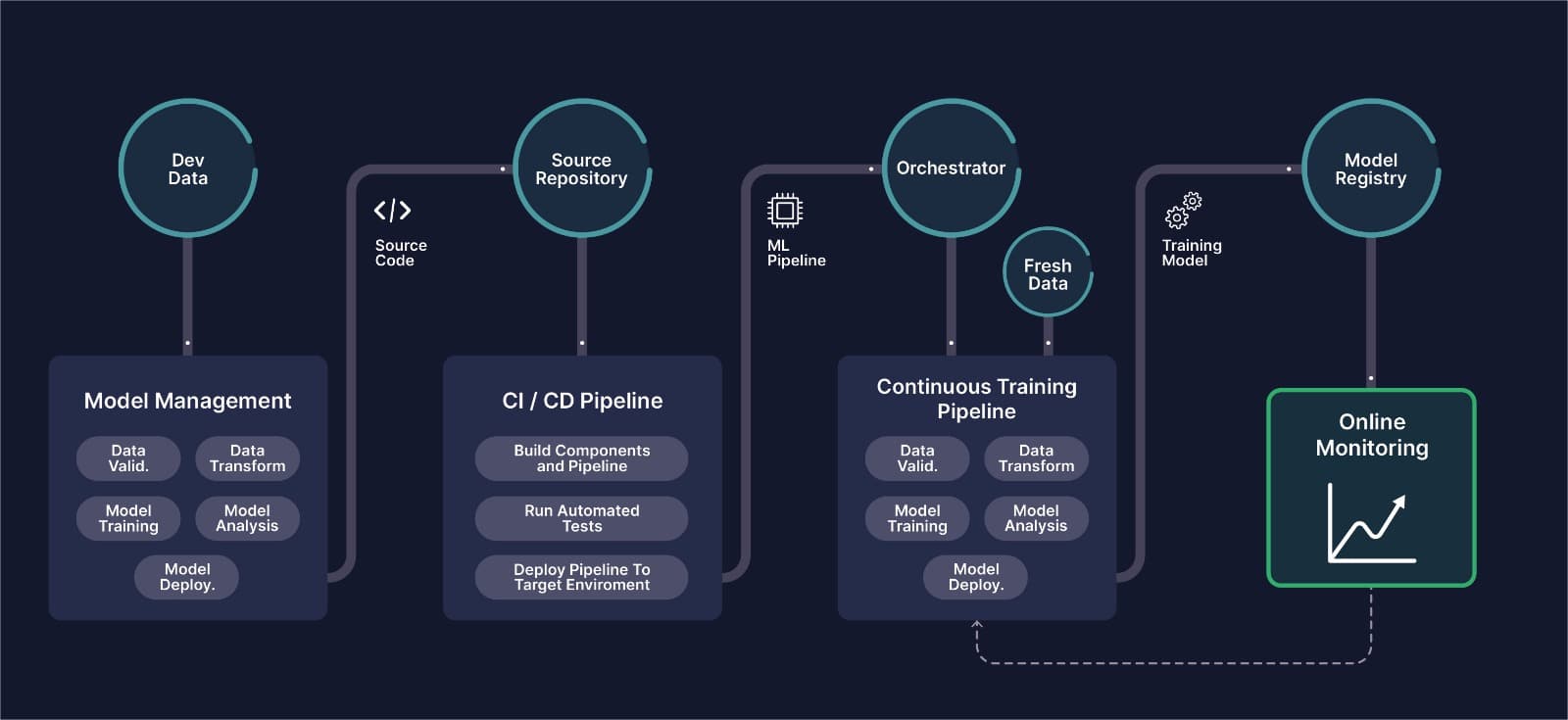
MLOps for Computer Vision: The Complete Guide
What CVOps actually means, why classical MLOps tooling breaks down on image and video data, and how the six stages of a computer vision pipeline fit together in production.
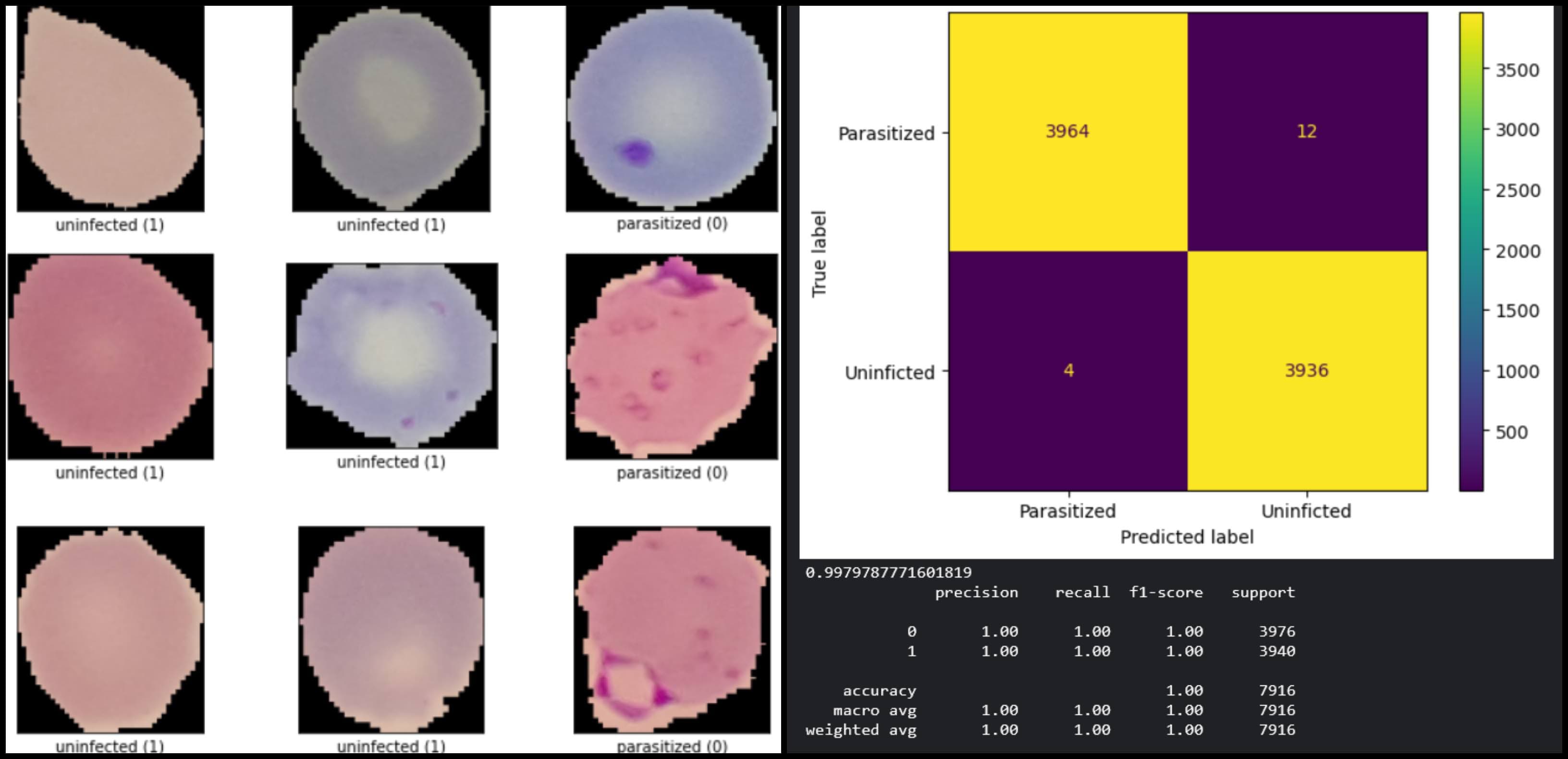
Best Practices for Fine-Tuning Computer Vision Models
This article will introduce you to the best practices for hyperparameter tuning, explored through a typical CV task with TensorFlow and Keras-Tuner.
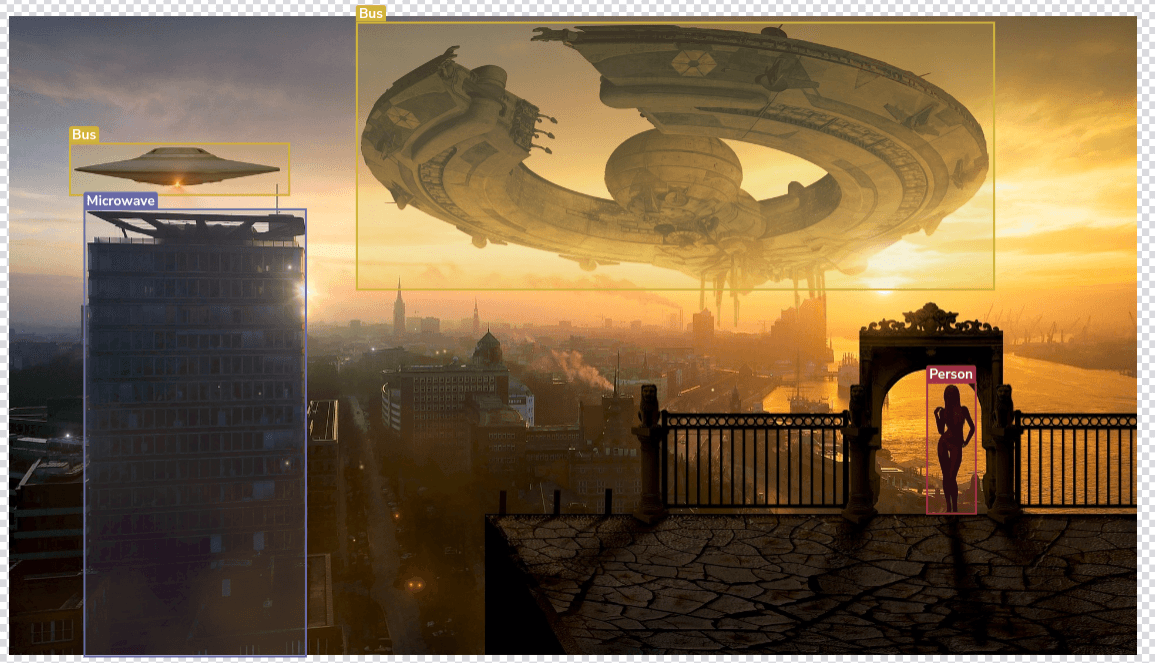
A dive into YOLO object detection
We will explore the family of YOLO object detection models, from the original YOLO network up to the latest YOLOv8 and NAS networks.
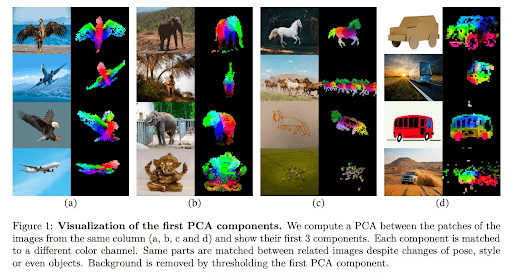
DINOv2 - Steps by steps explanations - Picsellia
Discover DINOv2, an upgrade of DINO. Try using a self-supervised method applied to Vision Transformers. This method enables all-purpose visual features.

Meet piSAM: The Newest Addition to Picsellia's Computer Vision Toolbox
Meet piSAM, the Picsellia Segment Anything Model. piSAM offers fast, accurate image segmentation with a single click. Enhance your vision AI projects.
VLMs vs. CNNs: Is a New Era Dawning in Computer Vision Performance?
Discover if Vision Language Models (VLMs) outperform Convolutional Neural Networks (CNNs) in computer vision.