Precision Labeling
AI-Assisted
Turn your data into annotated datasets with precision and speed. Support for bounding boxes, polygons, segmentation, keypoints, and more.
Every shape you need
From simple bounding boxes to complex polygon masks, annotate any type of visual data with precision tools built for computer vision.
Object Detection
Bounding boxes with two clicks
Segmentation
Precise polygon masks
Classification
Whole-image labels
Keypoints
Point-based annotations
Polyline
Connected line segments
Supports diverse data formats
Built for speed and precision
Keyboard shortcuts, smart selection, and intuitive controls designed to maximize annotation throughput.
Scroll to Zoom
Use scroll wheel to zoom in/out. Press spacebar to drag and pan around the canvas.
Asset Gallery
Browse your dataset queue at the bottom. Navigate with O/P keys or click thumbnails.
Group Selection
Draw rectangle to select multiple shapes. Select by label for batch operations.
10x your labeling with AI
Use SAM, DINOv2, and Grounding DINO for pre-labeling. Run automated processings to speed up annotation.

Segment Anything Model
Meta AI
One-click segmentation for any object. Point, box, or text prompts generate precise masks instantly.
DINOv2
Meta AI
Self-supervised visual features for similarity search, clustering, and transfer learning without labels.
Automated Processings
Pre-Annotation
Auto-generate initial labels using your trained models
Auto-Annotation
Fully automated annotation with confidence thresholds
Data Augmentation
Expand datasets with transforms and variations
Auto-Tagging
Automatically tag data in your datalake
Built-in review workflow
Every annotation goes through a structured review process. Accept, reject, or send back for revision with full traceability.
Auto-lock on review
Reviewed annotations are automatically locked to prevent accidental modifications.
Return to edit mode
Clear review status to unlock and continue editing when needed.
Full traceability
Track who annotated what and when with complete audit history.
How Picsellia compares
These tools are strong at what they specialize in. Here's where the coverage differs.
Roboflow is great for prototyping and developer communities. Picsellia is built for enterprise teams that need end-to-end MLOps — from data curation to production monitoring — with ISO 27001 compliance and on-premise deployment.
Compare with RoboflowLabelbox is a leading data labeling platform. Picsellia goes further — covering annotation, training, deployment, and production monitoring in a single platform with ISO 27001 compliance and on-premise deployment.
Compare with LabelboxEncord excels at annotation and data curation for AI teams. Picsellia goes further — covering annotation, training, deployment, and production monitoring in a single platform with ISO 27001 compliance and on-premise deployment.
Compare with EncordCommon questions
Can I use the labeling tool on its own, without the rest of the platform?
Yes. The labeling tool works standalone — connect your data, annotate, and export. If you later add training or deployment, your annotations and their full history carry over automatically instead of needing to be re-imported.
What annotation types does it support?
Bounding boxes, polygons for segmentation, keypoints, polylines, and whole-image classification, across images, video, satellite imagery, medical scans, and multispectral data — with AI-assisted labeling to speed up each type.
How does quality control work for a team of annotators?
Every annotation moves through a review status — to review, accepted, or rejected — with full traceability back to who annotated and who reviewed it. Rejected work returns to the original annotator for correction instead of being silently overwritten.
Ready to accelerate labeling?
Start annotating with AI-assisted tools and built-in review workflows. Free trial, no credit card.
Related reading
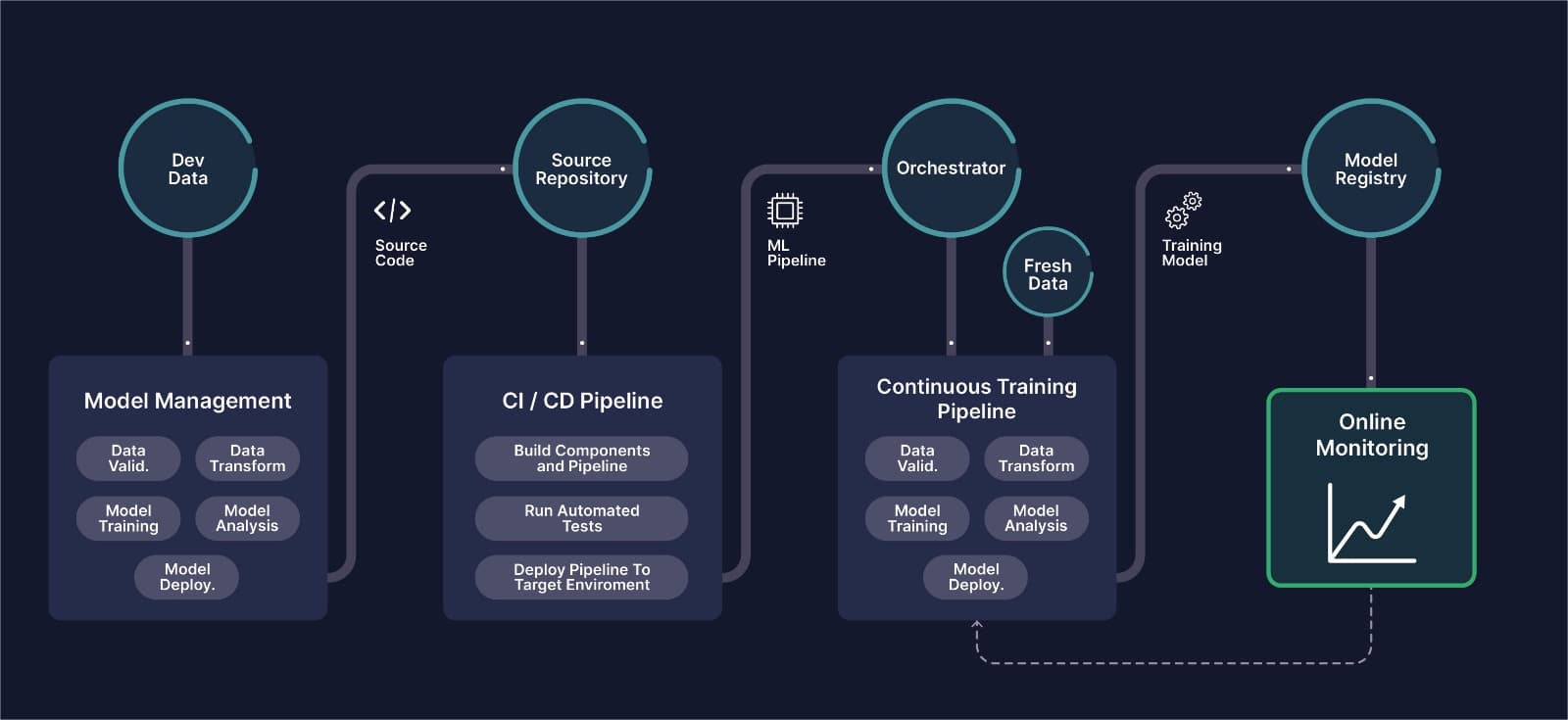
MLOps for Computer Vision: The Complete Guide
What CVOps actually means, why classical MLOps tooling breaks down on image and video data, and how the six stages of a computer vision pipeline fit together in production.
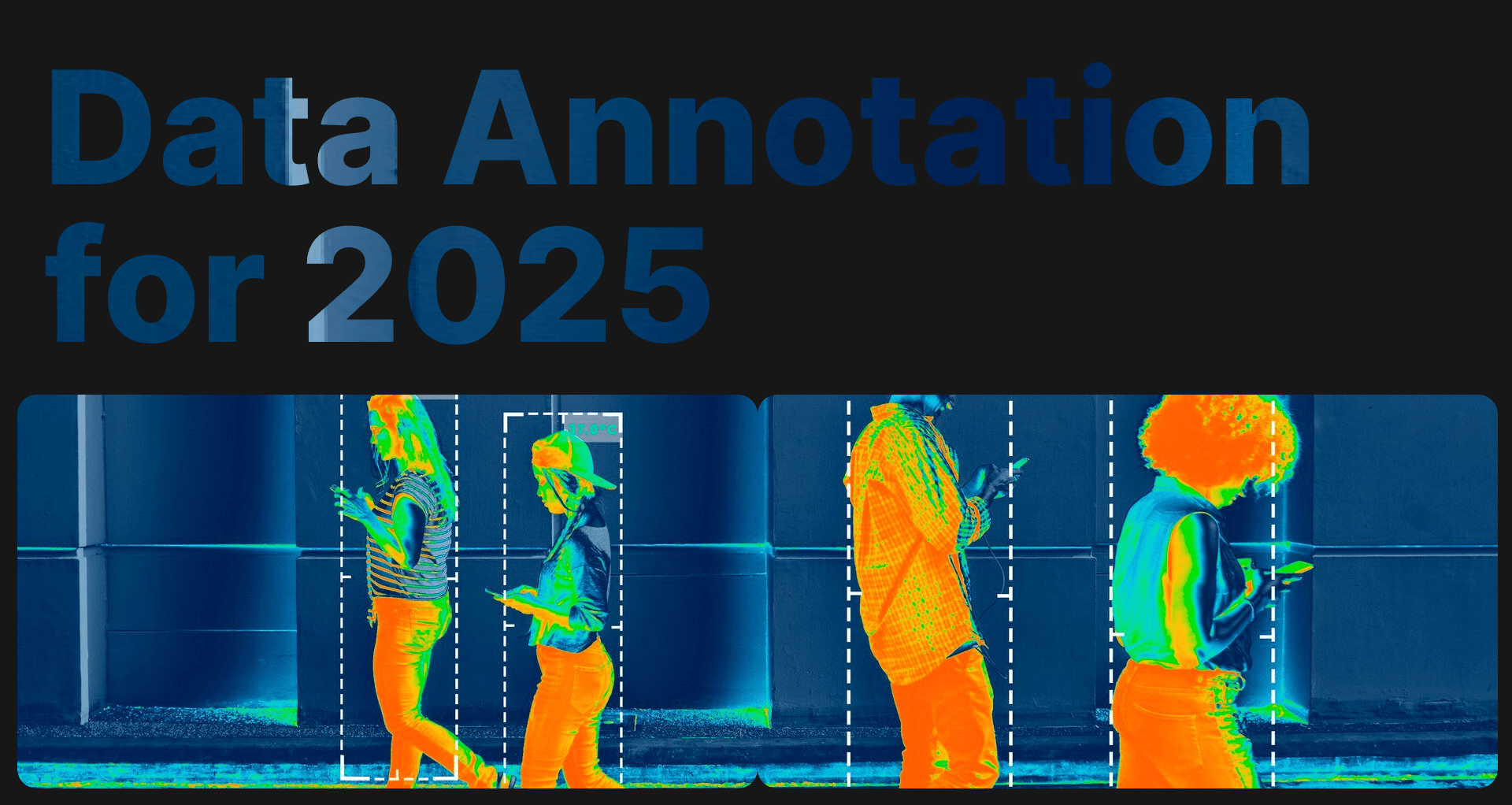
Best Image Annotation Tools for Machine Learning
A practical comparison of the leading image annotation platforms for computer vision — what each one is actually good at, and where they fall short.
Mastering Data Annotation for AI Projects in 2025
This article will discuss the importance of data annotation in AI and the best practices and strategies for overcoming labeling hurdles.
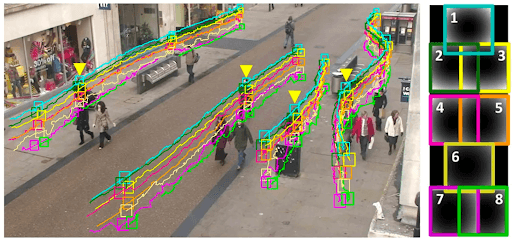
What is video annotation for computer vision?
Looking for video annotation and computer vision services? Enhance your AI algorithm models with accurate and comprehensive data.
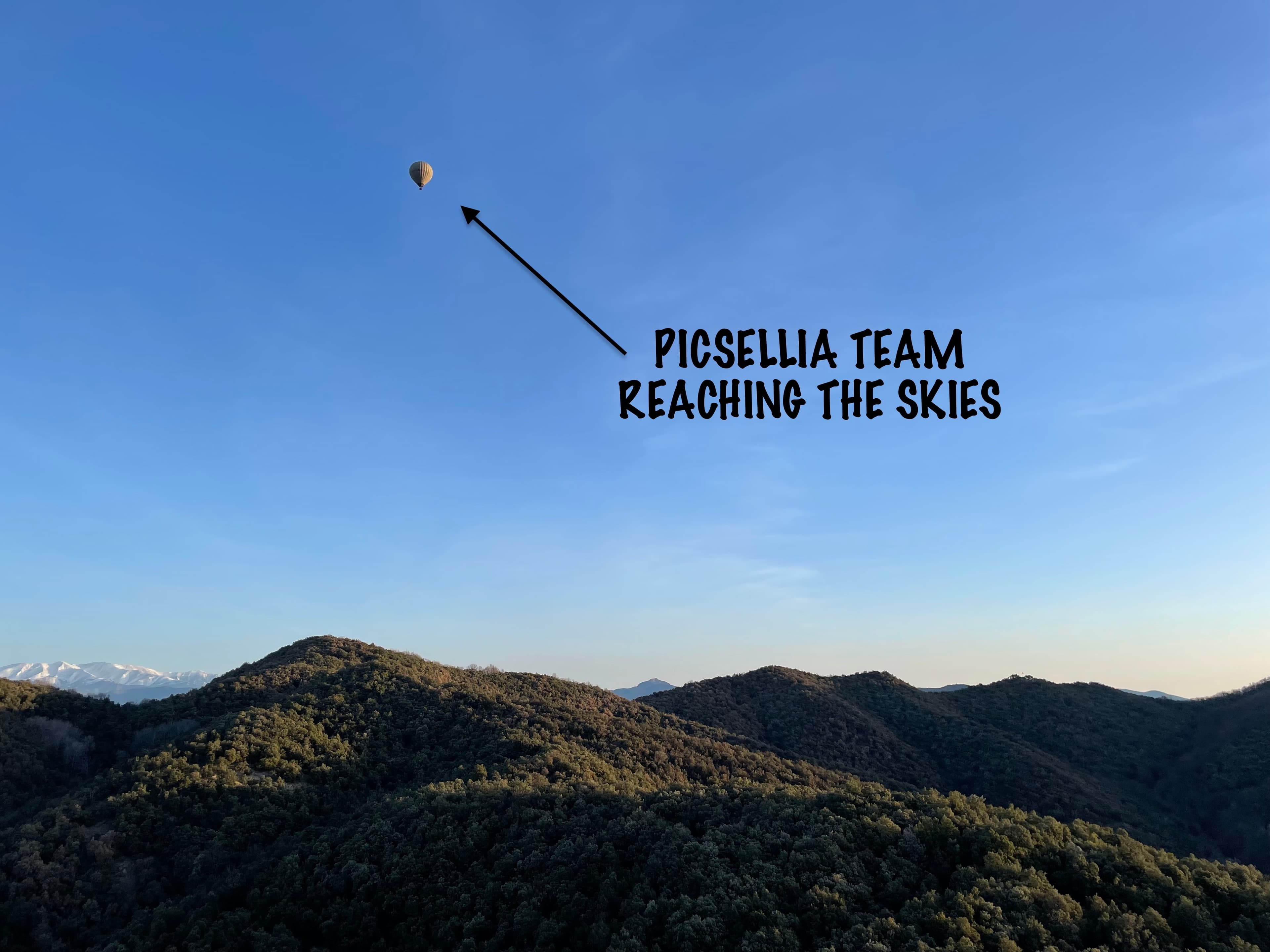
The Art of Annotation: Lessons Learned From a Picsellia Annotation Campaign
Discover invaluable insights from Picsellia's annotation marathon in Spain. Learn how Picsellia revolutionized annotation campaigns for optimal results.

How to Ensure Image Dataset Quality In Image Classification
Learn how to tackle the dataset quality main issues, and how to optimize the overall quality of your AI models for image classification use-cases.