Models That Improve Themselves
Continuous Training and Continuous Deployment. Close the feedback loop, automate retraining, and deploy with confidence using shadow models.
Production data becomes training data
Connect your deployment to your training pipeline. Reviewed predictions automatically flow into your training datasets, creating a continuous improvement cycle.
Capture predictions
Every inference logged automatically
Review anomalies
Flag and correct mispredictions
Enrich datasets
Add reviewed data to training sets
Trigger retraining
Automated based on thresholds
# Setup feedback loop
deployment.setup_feedback_loop()

# Attach dataset for enrichment
deployment.attach_dataset_version_to_feedback_loop(
  dataset_version=training_set
)

# Activate
deployment.toggle_feedback_loop(True)
Feedback Pipeline
Retraining Triggers
ConfigureTrigger retraining when reviewed predictions reach threshold
Trigger when distribution drift exceeds threshold
Retrain on a fixed schedule (weekly, monthly)
Automated retraining on your terms
Define triggers based on review thresholds, drift detection, or schedules. When conditions are met, Picsellia automatically provisions GPUs and launches training.
# Setup continuous training
deployment.setup_continuous_training(
  trigger_threshold=1000,
  experiment_name="auto-retrain-v{n}",
  gpu_type="A10G"
)Deploy with confidence
Test new models in production without risk. Shadow models run alongside your primary model, comparing performance on real traffic before you promote.
How Shadow Deployment Works
Deploy shadow model
New model version runs in parallel, processing the same inputs as production
Compare predictions
Both models make predictions, but only primary results are returned to users
Promote when ready
Once shadow outperforms primary, promote it with a single command
Live Comparison
# Deploy shadow model
deployment.set_shadow_model(
  model_version=new_version
)

# Run shadow prediction
prediction.predict_shadow()
# Setup auto-promotion policy
deployment.setup_continuous_deployment(
promotion_threshold=0.05,
min_samples=1000
)
deployment.toggle_continuous_deployment(True)The complete automation stack
From data collection to model deployment, every step is connected and automated. Full lineage, full visibility.
Continuous Training
Automatic retraining triggered by review thresholds or drift detection
Continuous Deployment
Safe model promotion with shadow deployment and automated policies
Full Observability
Monitor every prediction, track every metric, trace every decision
Ready to automate your ML lifecycle?
Set up continuous training and deployment in minutes. Let your models improve themselves.
Related reading
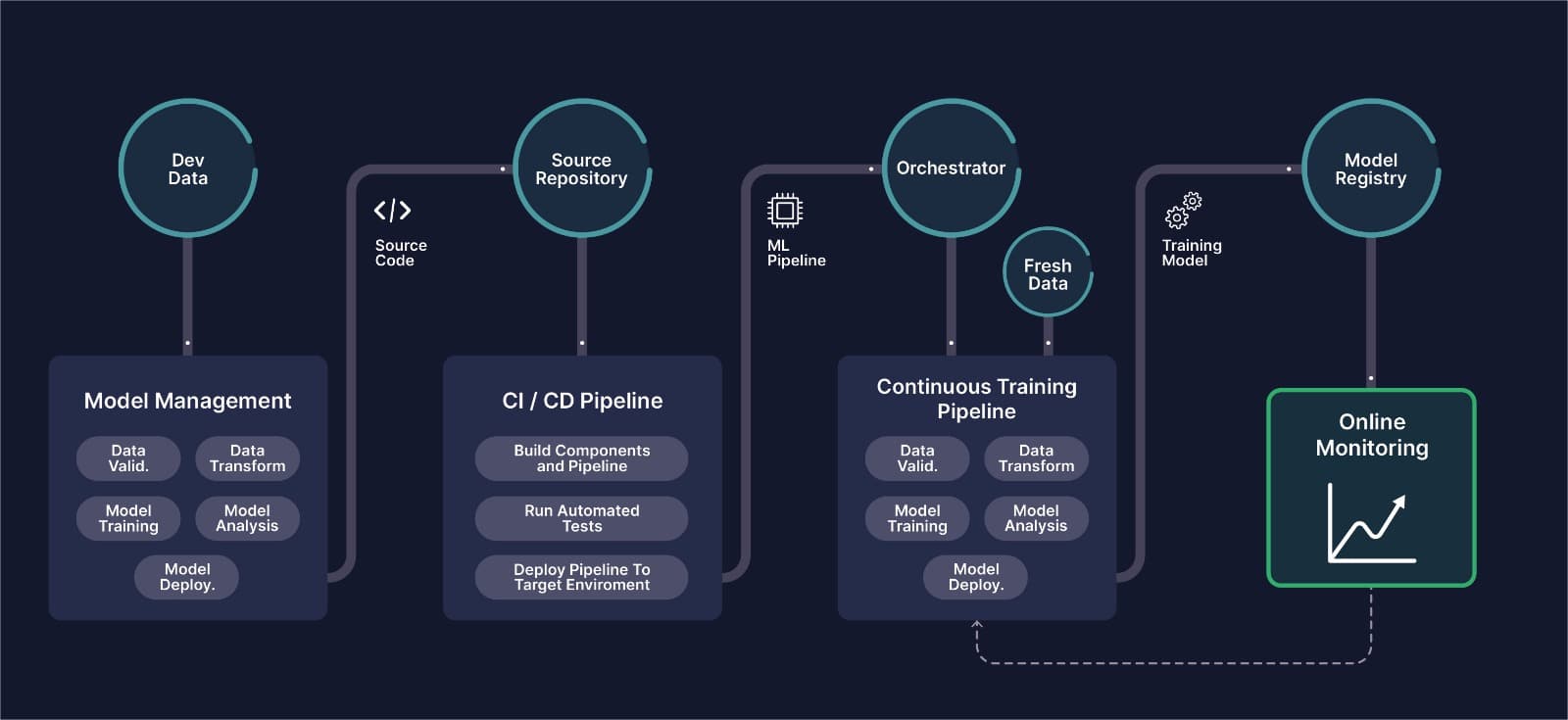
MLOps for Computer Vision: The Complete Guide
What CVOps actually means, why classical MLOps tooling breaks down on image and video data, and how the six stages of a computer vision pipeline fit together in production.

How to apply MLOps to Computer Vision? Introducing CVOps
CVOps refers to the steps and processes of MLOps that are exclusive to Computer Vision, to achieve the development and deployment of CV use-cases.
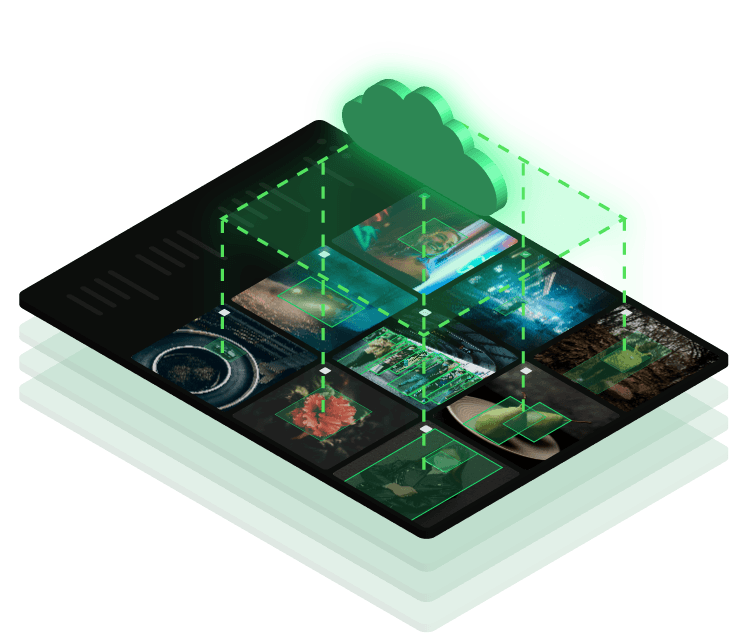
Creating a CVOps Platform: Picsellia’s Latest Release is Out
Our new release incorporates the latest tools and features to manage your entire MLOps pipeline in one single place, making it the first CVOps platform.
End-to-End Repeatable MLOps for Computer Vision
Any enterprise ML pipeline should automate various steps in the ML lifecycle. Such automation is usually achieved by compartmentalising each step as a stan
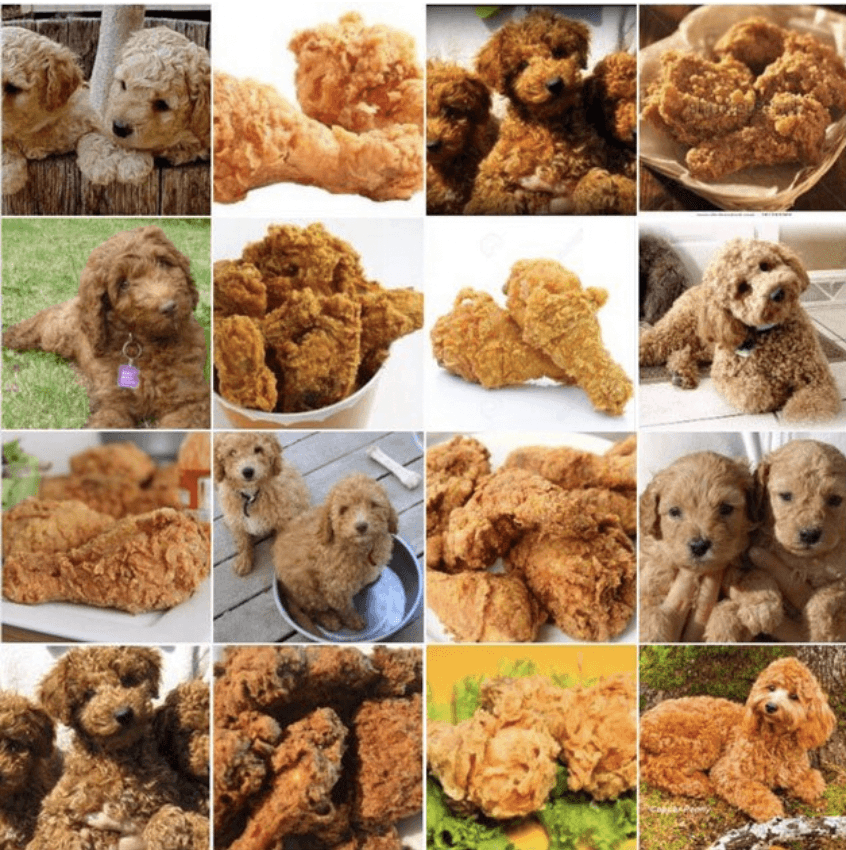
Why Do Classical MLOps Tools Not Fit Computer Vision?
Computer vision pipelines require a set of processes that are exclusive to Computer Vision. This is where CVOps comes to play.
The Cost of Tool-Switching in Computer Vision Pipelines
Tool overhead isn't additive — it compounds. Learn how context switching between ML tools costs CV teams hundreds of engineering hours per year.